

Running a screen printing shop is a balancing act of art and industrial production. You’re managing flash cures, mesh counts, ink viscosities, and tight deadlines. But for many shop owners, the most stressful part of the day isn't a clogged screen: it’s opening QuickBooks and realizing they have no idea if they actually made money on that 500-piece hoodie order.
If your bookkeeping feels like it’s trailing weeks behind your production, you aren't alone. Most QuickBooks for screen printers setups are configured like a standard retail store, which simply doesn’t work for the custom manufacturing nature of our industry. At Equilibrium Consultants, we believe your financial data should be as sharp as your halftone dots.
We’re going to walk you through how to transform QuickBooks from a "tax time chore" into a real-time profit engine.
Why Standard QuickBooks Setup Fails Screen Printers
Your shop isn't a hardware store: stop tracking it like one
Most accountants set up QuickBooks using a generic template. They see "T-shirts" and think "Inventory." But in screen printing, you aren't just selling a shirt; you’re selling a service, labor, and specialized materials.
When you use a generic setup, you lose visibility into job costing for screen printing businesses. You might see that your bank balance is up, but you won’t know if your "contract printing" arm is subsidizing your "retail brand" arm. To get real-time profits, we need to move away from generalities and toward specific job-based tracking.
We don't just fix your books : we improve your entire perspective on profit. 📈
The Foundation: Setting Up Your Chart of Accounts for Success
The secret to clarity is in the structure
To master bookkeeping for screen printers, you have to categorize your money coming in and going out correctly. The biggest mistake we see is lumping all "Supplies" into one category.
For real-time visibility, we recommend breaking your Cost of Goods Sold (COGS) into three distinct buckets:
- Garment Costs: The physical blanks you purchase for specific jobs.
- Consumables: Ink, emulsion, tape, and chemicals.
- Production Labor: The wages paid specifically to the people on the presses.
By separating these, you can instantly see your gross margin. If your garment costs are 40% of your revenue but your ink costs are spiking to 15%, you know you have a waste problem on the floor before the month even ends.

Mastering Job Costing for Real-Time Visibility
Know your numbers before the ink is dry
Job costing for screen printing businesses is the only way to ensure your pricing is actually profitable. In QuickBooks Online, the "Projects" feature is your best friend.
Every time you create an estimate or an invoice, it needs to be tied to a Project. When you buy blanks from SanMar or AlphaBroder, you must tag that expense to the specific Project.
Why does this matter?
Because at any given moment, you can click on a project and see a real-time progress bar of your profit. You'll see:
- Income: What the customer paid.
- Costs: What you spent on the blanks and screens.
- Profit Margin: The actual dollars staying in your pocket.
If you see a project is running a 10% margin when you estimated 50%, we can catch the error immediately. Maybe the art took four hours longer than quoted, or you had to overnight garments because of a vendor delay. Tracking this in real-time allows you to adjust your pricing for the next quote.
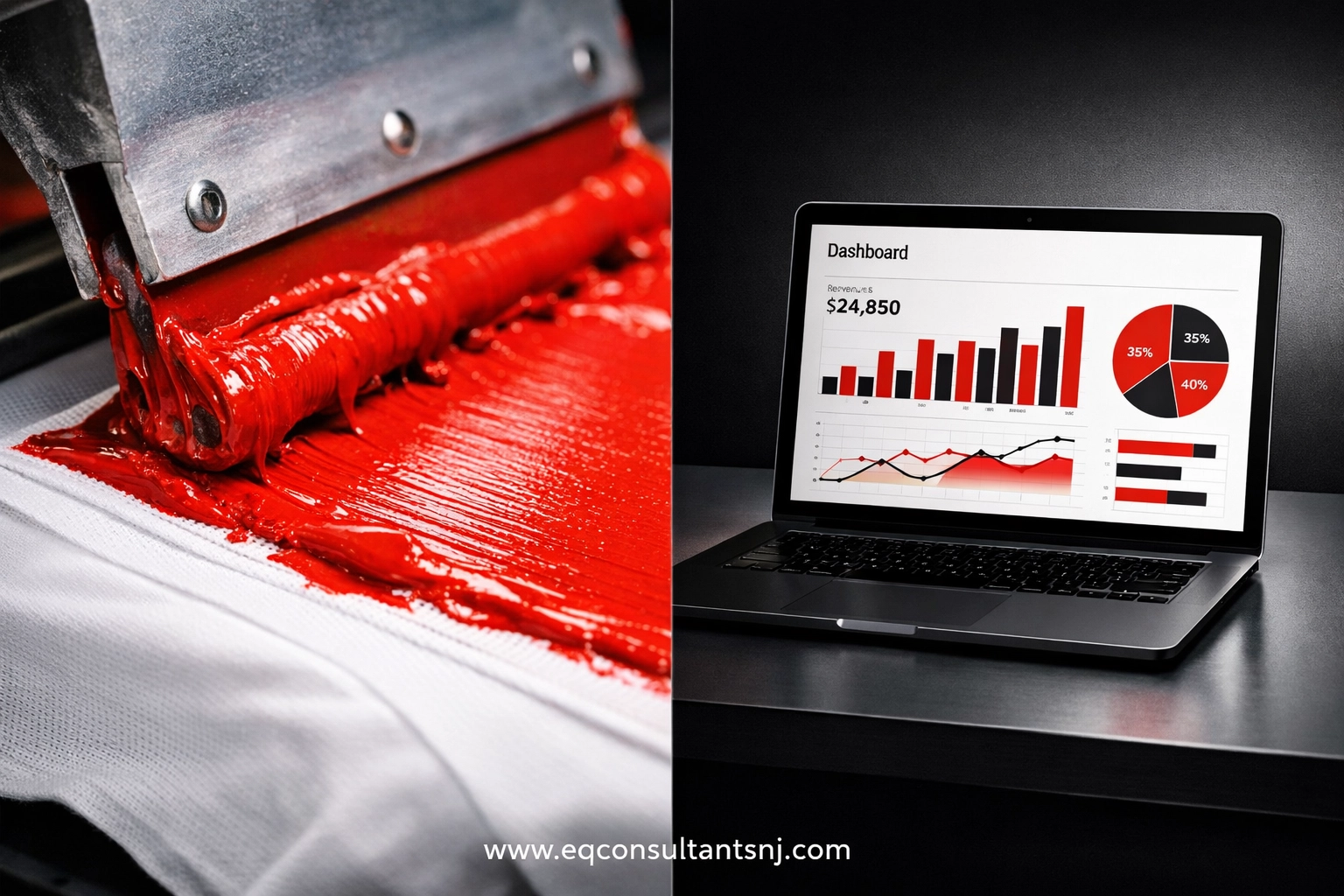
Visualizing the workflow from shop floor to financial dashboard.
Integration: The Bridge Between Production and Accounting
Stop the double-entry madness
One of the biggest hurdles to bookkeeping for screen printers is the sheer volume of data. If you are manually typing every invoice from your shop management software into QuickBooks, you are wasting hours and inviting human error.
We highly recommend integrating QuickBooks with specialized shop management tools like Printavo, YoPrint, or Teesom. These tools act as the "front end" where you manage your production calendar and quotes.
When an order is approved in Printavo, it should automatically push that invoice to QuickBooks. When a payment is collected via Stripe or Square, it should sync perfectly. This integration ensures that your "Real-Time Profits" are actually accurate. Without it, you’re always playing catch-up, and your data is only as good as the last batch of manual entries you performed.
You're in Safe Hands when your systems talk to each other. 🔐
Tracking the Hidden Profit Killers
Labor, Misprints, and Overheads
Real-time profit tracking isn't just about the "Direct Costs." It’s about the "Hidden Costs."
- Labor Tracking: We recommend using a time-tracking tool that syncs with QuickBooks (like QuickBooks Time). Have your press operators clock into specific "Jobs" or "Customers." This allows us to see exactly how many labor hours it took to print that complex 6-color discharge job.
- The Misprint Account: Create a specific expense account for misprints. When you have to grab a shirt from stock to replace a ruined one, record it. If you don't track it, it vanishes into your "Inventory" and you’ll wonder why your margins are shrinking.
We determine the gaps in your workflow so you can focus on the craft. ✅

A dashboard showing the breakdown of labor vs. material costs in a printing environment.
Weekly Rituals for Financial Health
Real-time visibility requires consistent habits
You can't have real-time data if you only look at your books once a month. To truly master QuickBooks for screen printers, we suggest these three weekly habits:
- The Bank Feed Clear-Out: Every Tuesday morning, spend 15 minutes categorizing the transactions in your QuickBooks bank feed. Don't let them pile up.
- The "Project" Review: Look at your completed jobs for the week. Did the actual costs match your estimates? If not, why?
- Accounts Receivable Follow-up: Screen printing often involves 50% deposits and 50% on delivery. If you aren't tracking your AR in real-time, you're essentially giving your customers an interest-free loan.
How Equilibrium Consultants Supports Your Shop
We speak "Screen Print"
Most bookkeeping firms don't know the difference between a squeegee and a scoop coater. We do. We understand that your business has unique seasons: the back-to-school rush, the holiday gift guide surge, and the slow winter months.
We don't just categorize transactions; we build a financial infrastructure that supports your growth. We help you understand your "break-even" per impression and ensure your QuickBooks setup is providing the data you need to buy that next automatic press or expand into embroidery.

Ready to see your true profits?
At Equilibrium Consultants, we love working with inspiring clients who are building tangible products. Your shop is a hub of creativity and hard work, and you deserve to know exactly how much of that hard work is turning into profit. We’d love to learn more about your production process and help you dial in your numbers.
Stop guessing and start growing.
Book your consultation with us today to get your shop's books in equilibrium.