


Let's be real: you didn't start your business to spend hours every week entering receipts into spreadsheets.
Yet here you are: every Monday morning, staring at a pile of crumpled receipts from last week. Every invoice you send requires manual follow-up. Every expense needs approval before it hits your books. And the worst part? You know there's a better way, but you're not sure where to start.
We get it. As a remote bookkeeper serving NJ small businesses, screen printers, and service providers, we've seen the same pattern over and over: business owners burning 10-15 hours per week on bookkeeping tasks that could be automated in minutes.
The good news? NJ small business workflow automation isn't just for Fortune 500 companies anymore. With the right setup, you can reclaim those hours and focus on what actually grows your business.
Here are 7 workflow automation hacks we use with our clients to eliminate manual bookkeeping: starting today.
1. Stop Photographing Receipts One by One
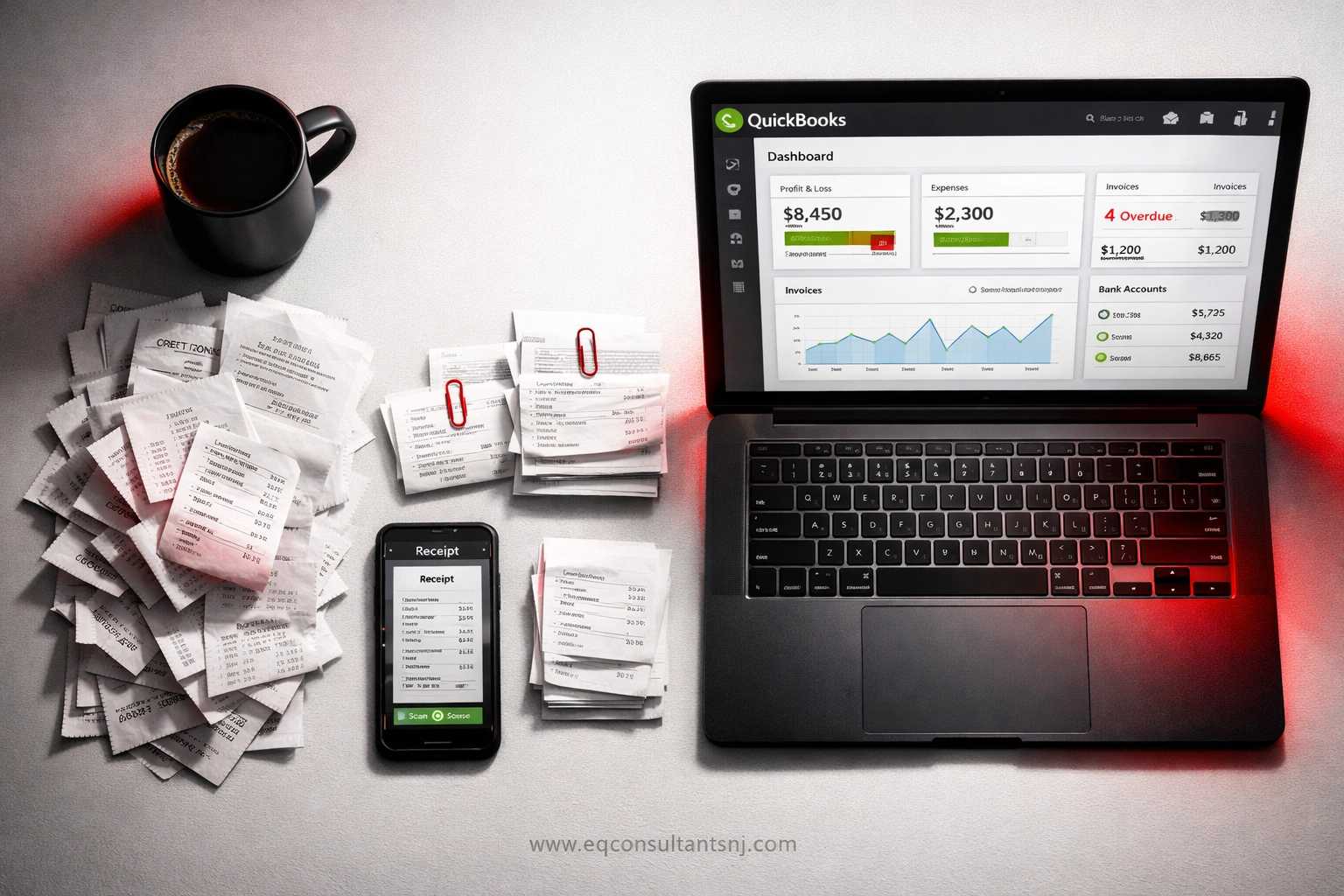
The Old Way: You snap a photo of every receipt, open QuickBooks, manually type in the vendor name, date, amount, and category. Repeat 30 times per week.
The Automated Way: Tools like Dext and Hubdoc let you photograph receipts in bulk or simply forward email receipts to a dedicated inbox. The software automatically extracts vendor names, dates, and amounts, then syncs everything directly to QuickBooks Online.
✅ What this saves you: 3-5 hours per week on data entry alone.
We set this up for a Bergen County screen printing shop last month. Their owner went from spending two hours every Sunday on expense entry to spending zero. The software even flags duplicate receipts before they hit the books.
2. Automate Your Invoicing and Payment Reminders
The Old Way: You manually create each invoice, email it to your client, then set a calendar reminder to follow up if they don't pay. Three weeks later, you're writing another "friendly reminder" email.
The Automated Way: Platforms like FreshBooks and QuickBooks Online let you set up recurring invoices that send automatically. Even better: they send payment reminders on your behalf without you lifting a finger.
Here's what we recommend:
- Day 1: Invoice sends automatically
- Day 7: Gentle reminder if unpaid
- Day 14: Second reminder with late fee notice
- Day 21: Final notice before escalation
🔐 Pro tip: Include multiple payment options (credit card, ACH, PayPal) directly in the invoice. Clients who can pay in two clicks pay 40% faster than those who have to mail a check.
3. Let Bill.com Handle Your Accounts Payable
The Old Way: A vendor emails you a bill. You print it, get approval, write a check, mail it, then manually enter the payment in QuickBooks. If you have multiple approvers, add another week to this process.
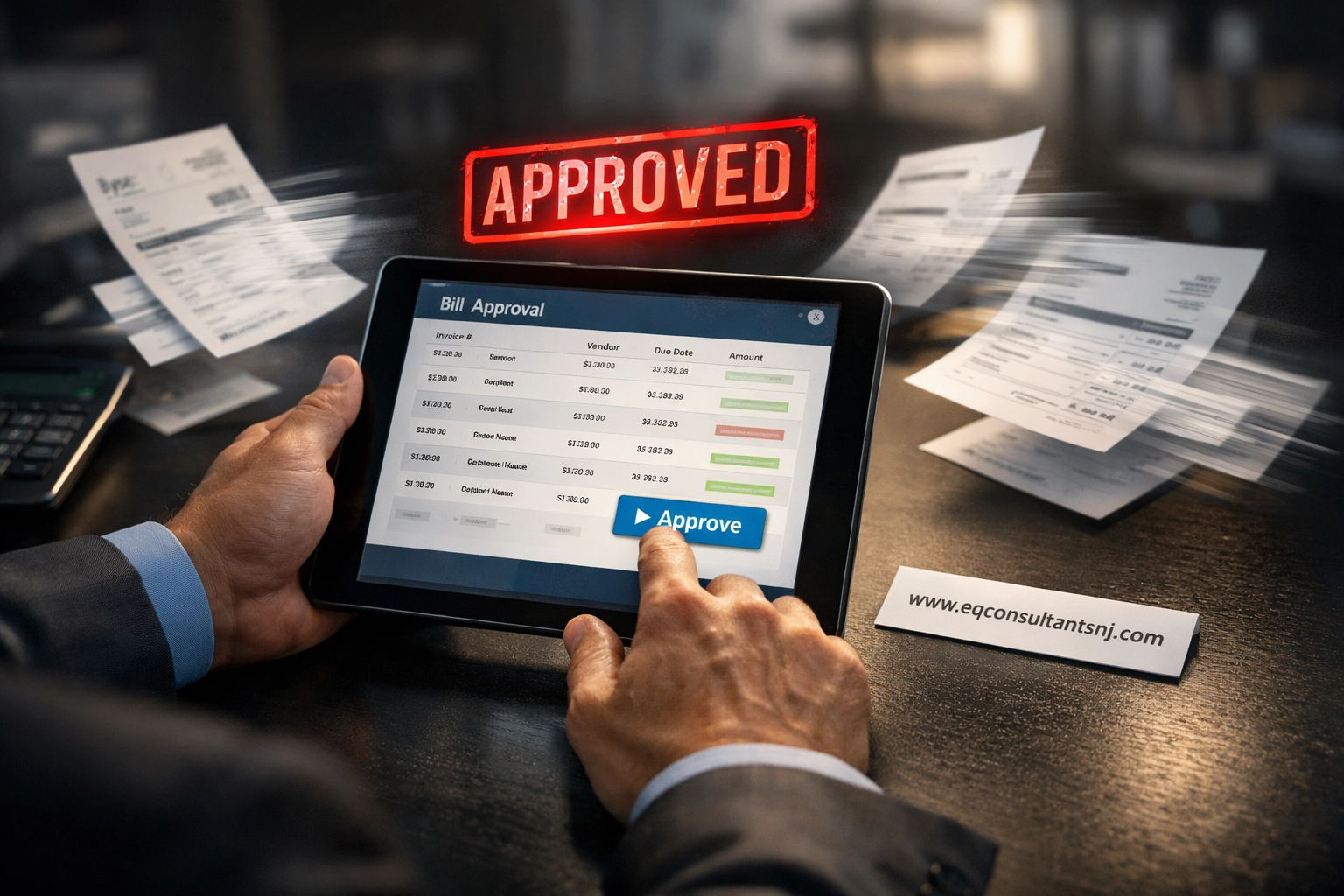
The Automated Way: Bill.com creates a single workflow where bills come in digitally, route to approvers automatically, get paid with one click, and sync payment data directly to your accounting software.
We implemented this for a Morristown consulting firm last quarter. Their bill approval time dropped from 8 days to less than 24 hours. Plus, they're saving $200/month on check printing and postage alone.
What you get with automation:
- Bills captured automatically from emails
- Approval routing based on amount thresholds
- Scheduled payments that go out on time
- Zero double-entry into QuickBooks
4. Set Up Smart Expense Routing Rules
The Old Way: Every single expense: whether it's $15 or $1,500: goes through the same manual approval process. Your time gets wasted on tiny transactions that don't need oversight.
The Automated Way: Create rules-based workflows where small expenses auto-approve, while larger amounts get routed for human review.
Here's a sample ruleset we use:
- Under $50: Auto-approve for recurring vendors
- $50-$500: Route to department manager
- $500+: Require owner approval
- Anything unusual: Flag for review even if below threshold
This hybrid approach gives you control without micromanagement. A Paterson-based service provider we work with cut their expense approval time by 60% using this exact system.
5. Build Your Integration Stack Correctly
The Old Way: You're using five different tools that don't talk to each other. Every month, you manually export data from your payment processor, import it into QuickBooks, then reconcile everything by hand.
The Automated Way: Choose tools that integrate natively with your accounting software from day one.
We recommend this QuickBooks training NJ stack for most small businesses:
- Accounting: QuickBooks Online (your central hub)
- Receipts: Dext or Hubdoc (syncs to QBO)
- Payments: Bill.com or Melio (syncs to QBO)
- Payroll: Gusto or QuickBooks Payroll (syncs to QBO)
- Time Tracking: TSheets (syncs to QBO)
When everything connects natively, data flows automatically. No exports. No imports. No reconciliation headaches at month-end.
Need help setting this up? Our Workflow Automation add-on (starting at $110/month) includes full integration setup and training. Book a discovery call here.
6. Let AI Catch Your Mistakes Before They Happen
The Old Way: You enter transactions manually, then discover duplicate expenses three months later during your annual review. Or you miscategorize something and throw off your entire P&L.
The Automated Way: Modern tools use AI to detect duplicates, auto-categorize transactions based on historical patterns, and flag unusual entries before they hit your books.
Here's what AI-powered bookkeeping catches automatically:
- Duplicate receipt submissions
- Miscategorized expenses
- Suspicious or unusual transactions
- Missing documentation
- Vendor name variations that should match
We use these tools with our clients at Equilibrium Consultants. A Hackensack retail client recently avoided a $2,300 duplicate payment because their automation flagged it instantly.
The best part? These systems learn from your corrections. The more you use them, the smarter they get.
7. Automate Every Recurring Transaction
The Old Way: You have 15 monthly subscriptions, 8 recurring vendor payments, and 20 regular clients on retainer. You manually enter every single one each month.
The Automated Way: Set up automatic syncing for all recurring transactions, with an option to review before they post if needed.
This works for:
- Monthly software subscriptions
- Recurring vendor services
- Retainer client invoices
- Regular contractor payments
- Lease and utility payments
One Jersey City marketing agency we work with had 47 recurring transactions per month. Setting up automation saved them 6 hours of data entry monthly: that's 72 hours per year they can now spend on client work instead of bookkeeping.
Your Next Steps: Start Small, Scale Smart
You don't need to automate everything overnight. In fact, we recommend a staged approach:
Month 1: Automate receipt capture and invoice reminders
Month 2: Set up Bill.com for accounts payable
Month 3: Implement expense routing rules and AI categorization
Month 4: Automate all recurring transactions
Start with the tasks eating up the most time, then build from there. The key is maintaining control while reducing manual work.
We're Here to Help You Automate
At Equilibrium Consultants, we specialize in helping NJ small businesses eliminate manual bookkeeping through smart automation. Our Workflow Automation add-on (starting at $110/month) includes:
✅ Full integration setup across your tech stack
✅ Custom workflow design based on your business
✅ QuickBooks training NJ for your team
✅ Ongoing support as you scale
Whether you're a screen printer in Newark, a consultant in Summit, or a service provider in Montclair: we can help you reclaim 10+ hours per week.
Ready to stop wasting time on manual bookkeeping? Schedule your free discovery call today.
Let's build you a system that works while you sleep. 🚀
Equilibrium Consultants | www.eqconsultantsnj.com | Your Remote Bookkeeper for NJ Small Businesses